

Lightair Live · iPhone, iPad and Android
Your show, in your pocket.
Run Lightair from across the room, use your phone as its camera, or go live from anywhere.
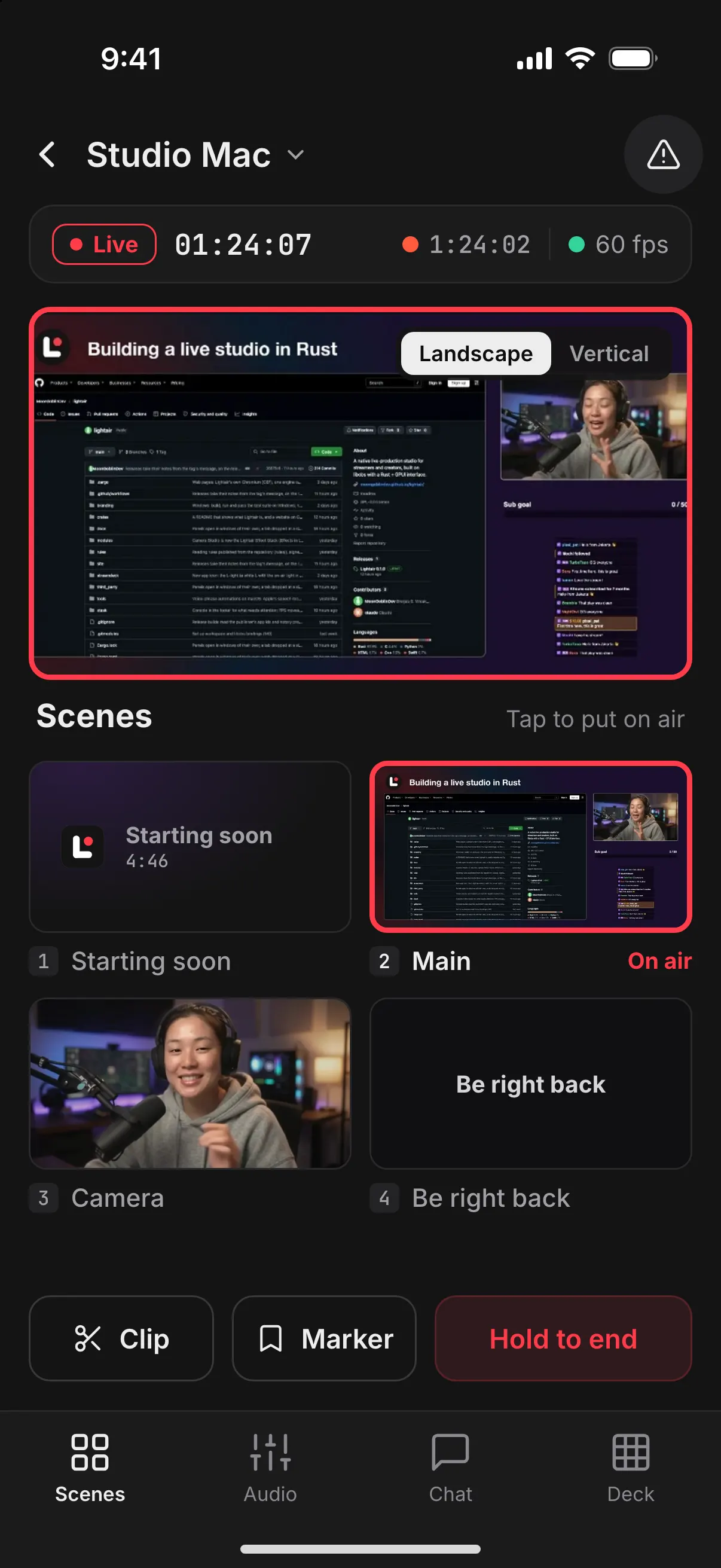
Remote
Switch scenes from the couch.
Tap a scene and it's on air. Ending a stream takes a hold, never a stray tap.
ScenesAudioChatDeck
Works with Lightair on your Mac or PC, on the same network.
Camera
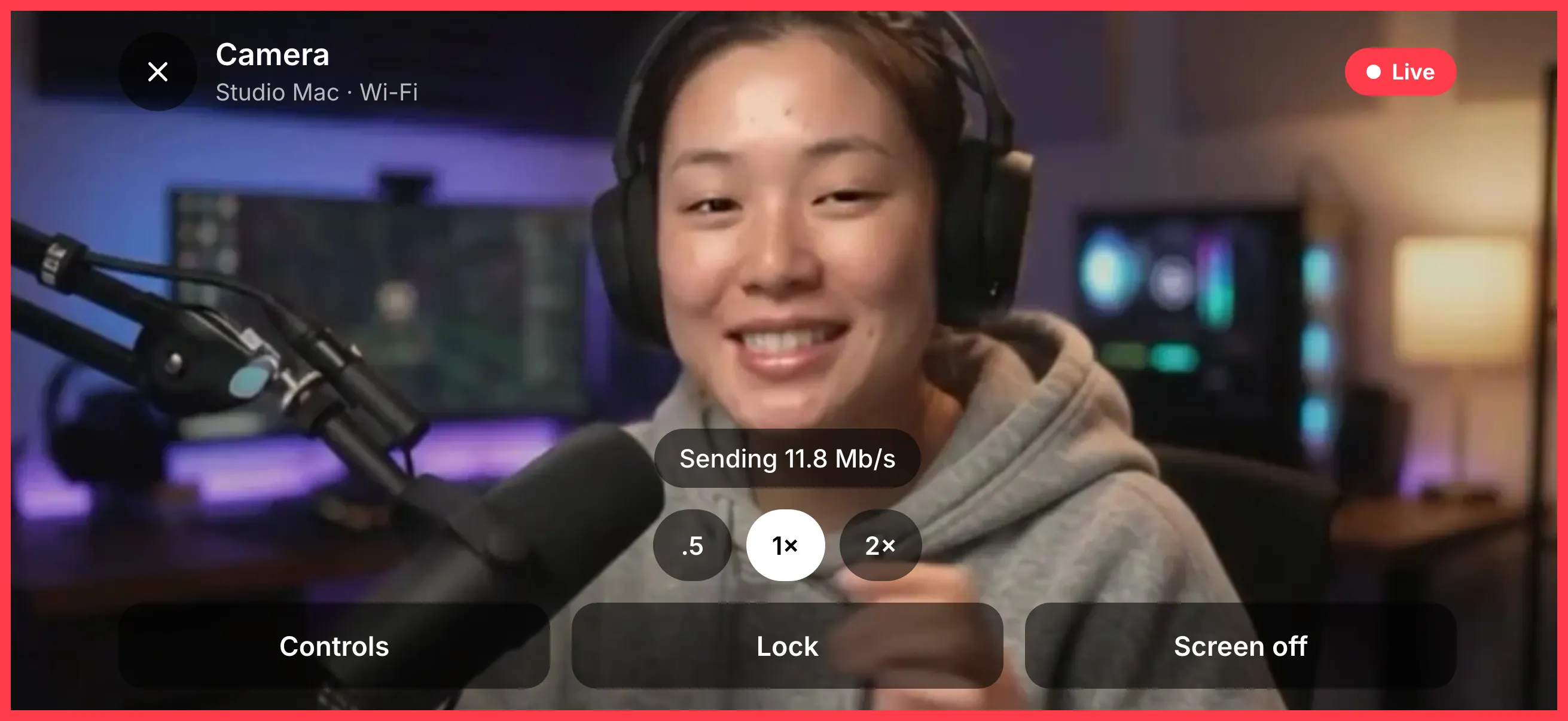
Your phone, as a camera.
Add a Phone camera layer in Lightair and scan its code. A red border on the phone tells you the picture is live.
720p to 4K H.264 or HEVCWi-Fi or USB from an iPhoneIts mic as a track of its own
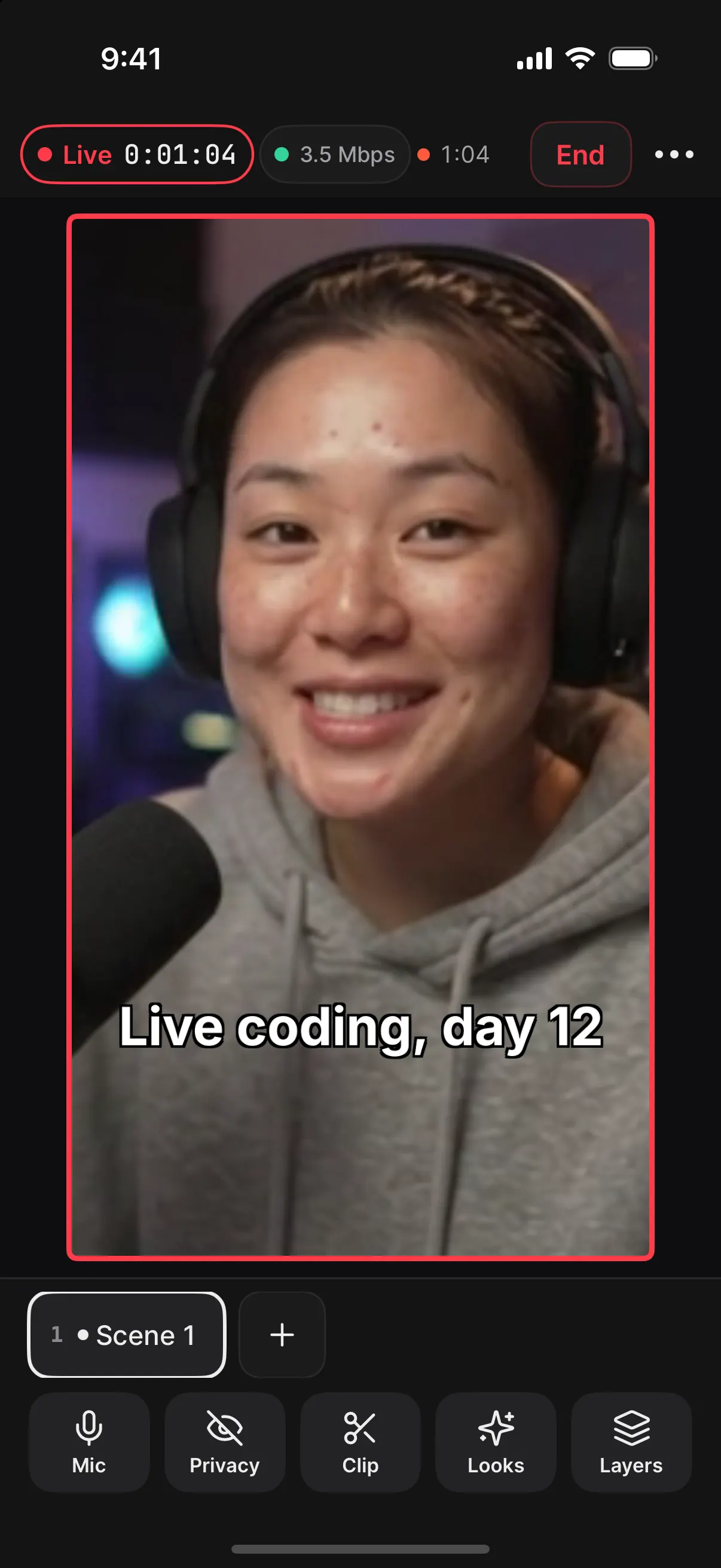
Studio
Go live from anywhere.
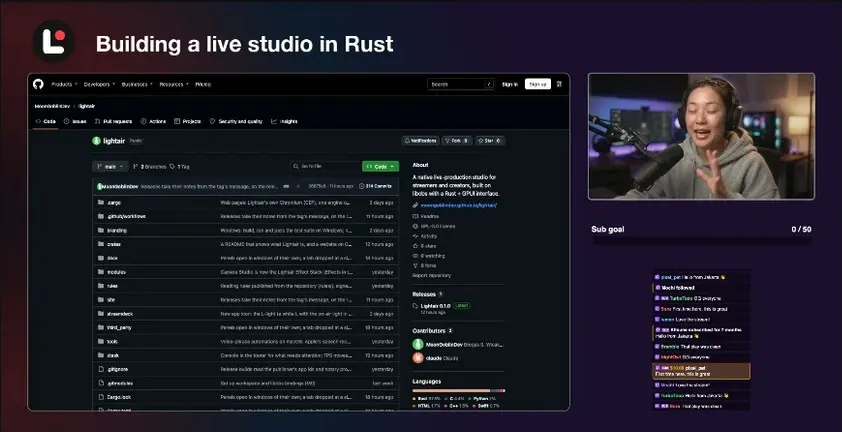
Cameras, overlays, alerts and chat, streaming straight to your platforms. No computer needed.
- Checked before you goGo live reviews your destinations and the phone's health on one sheet.
- A privacy cutOne tap or a two-finger hold covers the picture and mutes the mic.
- Recorded on the phoneAnd recovered if the app closes mid-show.
On the road
It keeps going, and tells you why.
When the network drops, Studio steps down and reconnects instead of ending.When the phone runs hot, it steps down before it has to stop.
What you need
- A phone or tabletiPhone or iPad with iOS 17 or later, or Android 10 or later.
- For Remote and CameraLightair on your Mac or PC, on the same network. Phones pair with the release after 0.1.0.
- For StudioNothing else.
- An accountNone. Lightair Live collects no data. Privacy
Also for phones
 Lightair EditorCut your streams into shorts, with captions made on your phone.
Coming to the App Store and Google Play