
Lightair 0.1.0 · Free and open source
Record it, edit it,
go live.
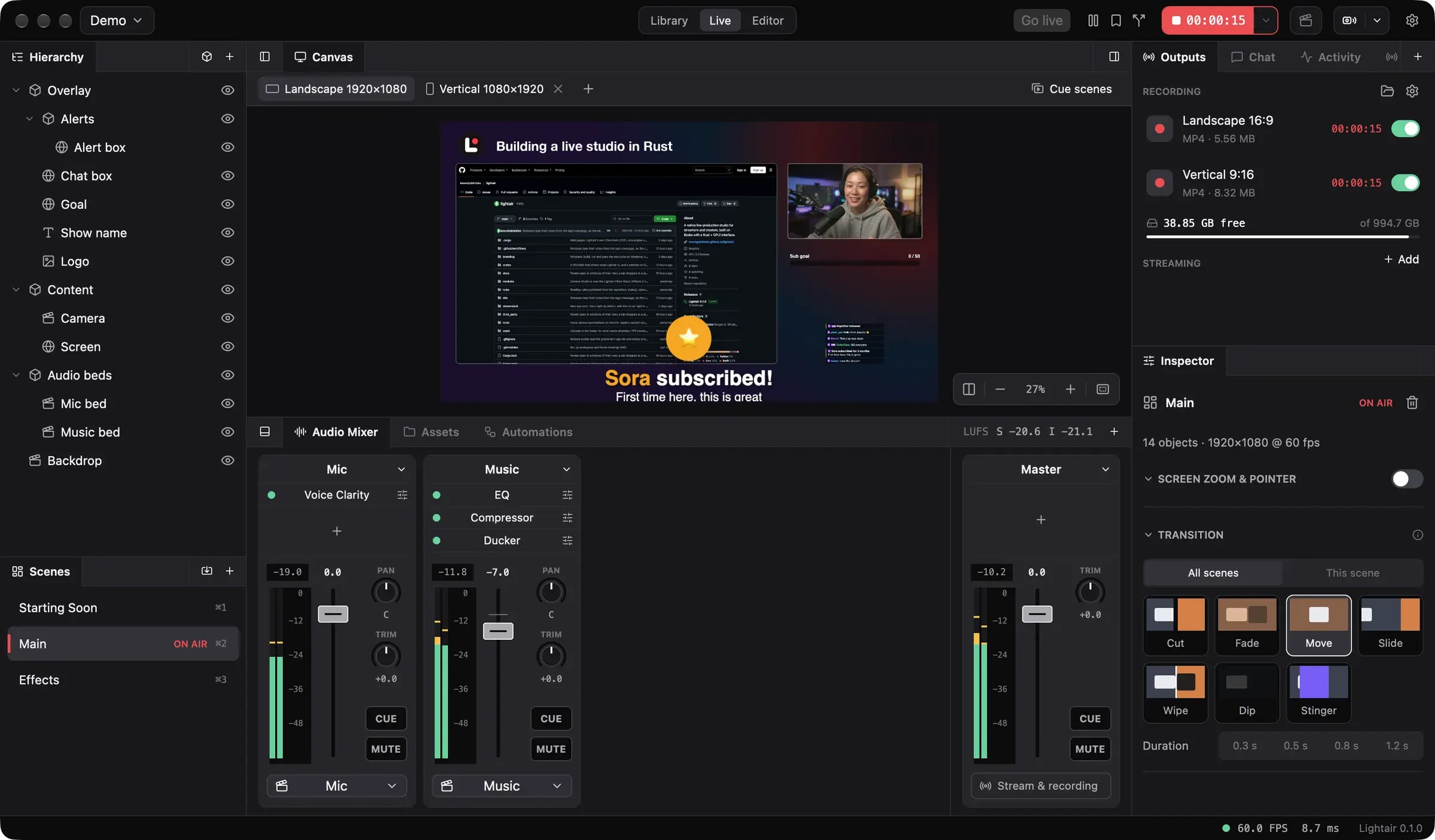
One studio on your Mac or PC for app demos, podcasts and streams. Your phone joins in as the remote, a camera or the editor.
App demos
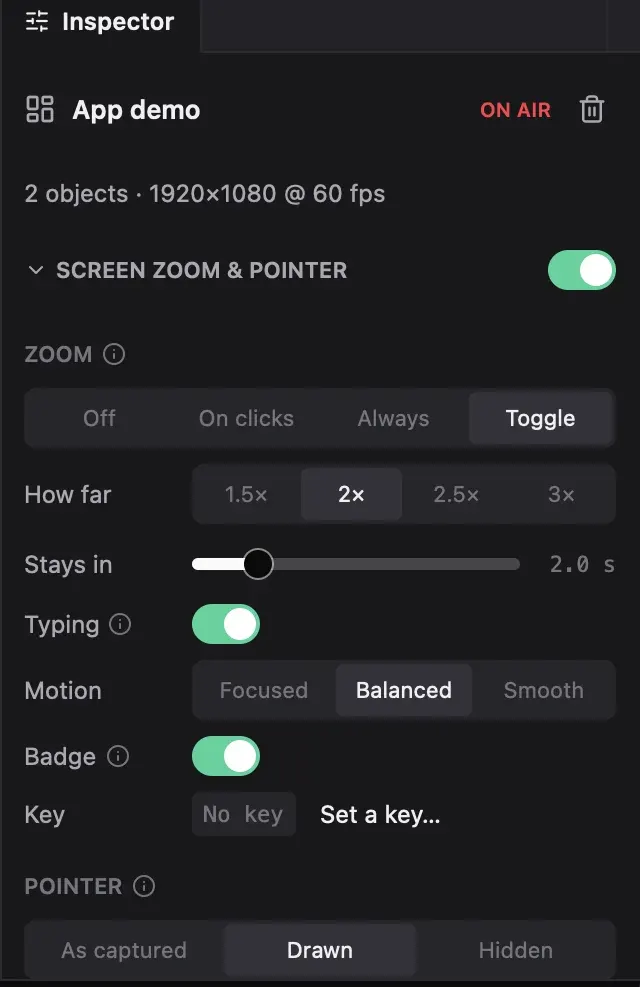
Zooms that follow your clicks.
A Studio take keeps the pointer, clicks and keys as data. The zoom lands where you click, and the pointer is redrawn smooth.
Day 12.lightair-take


Every part
Record once. Keep every part.
Each screen and camera at full size, each mic as its own WAV, beside the finished picture. Rearrange the shot later.
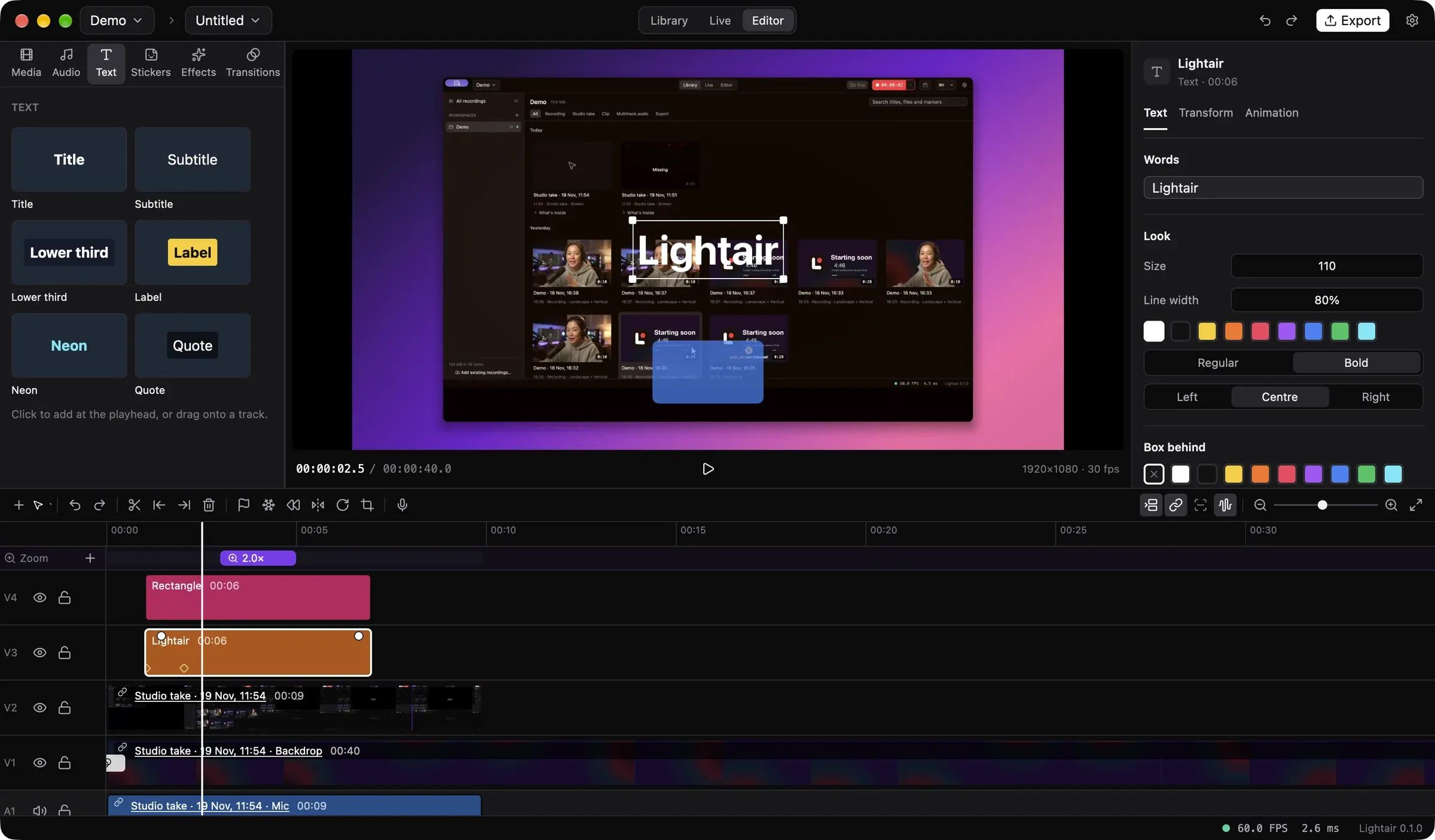
The Editor
A real editor, in the same app.
Titles that move, captions from what's said, transitions, and music that ducks under your voice.
Live
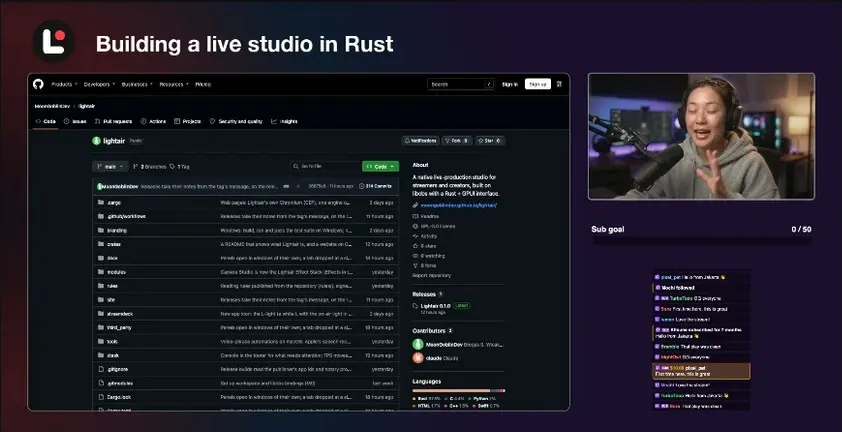
Landscape and vertical, live at once.
One show, two formats, each with its own layout. Record both, stream both.
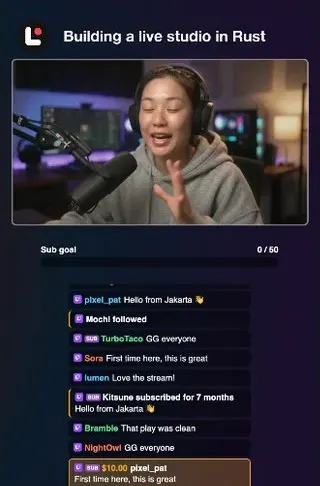
Multistream RTMP(S) · SRT · RIST · WHIPChat 12 platforms in one listBrings your setup OBS scene collections and plugins
On your phone
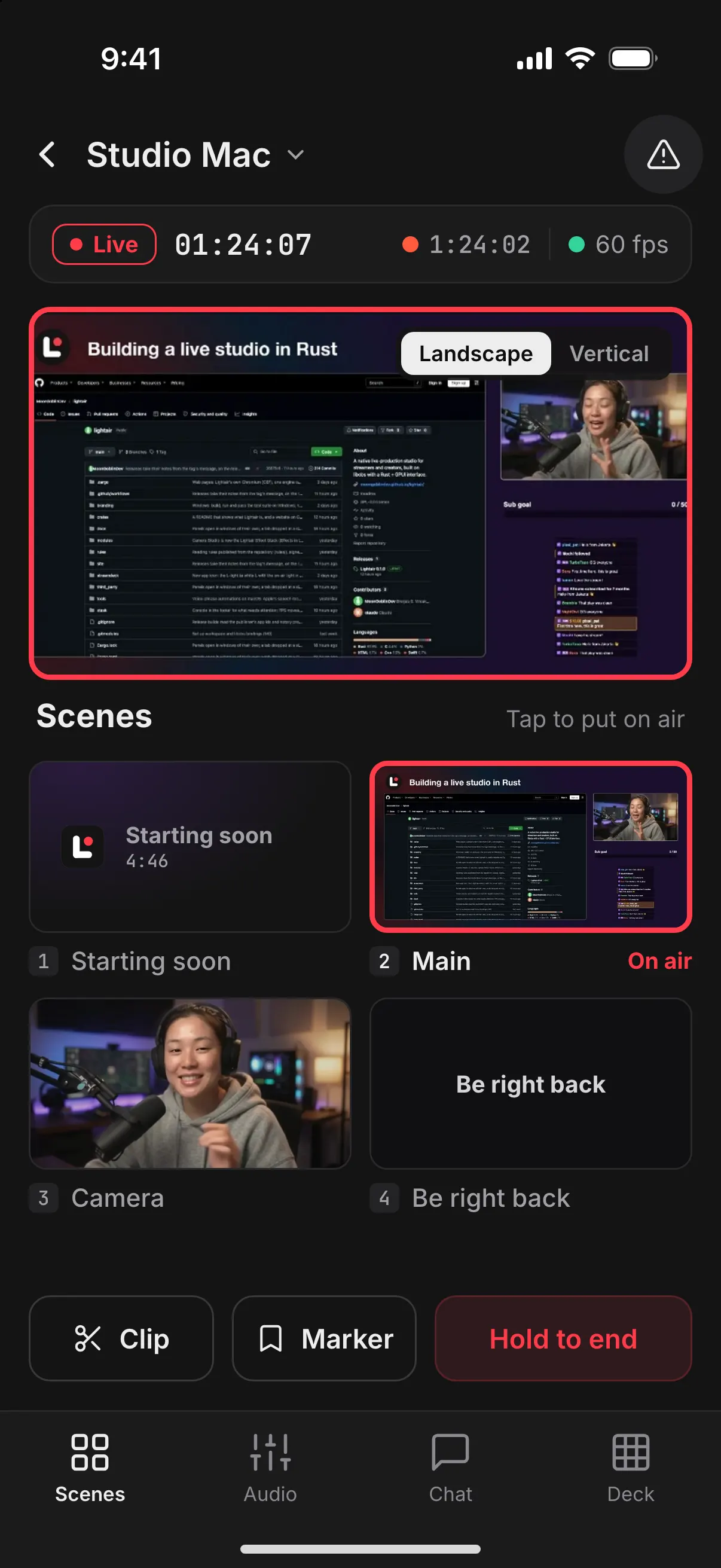
Your phone joins the show.
Run the show from the couch, stream from anywhere, finish clips on the train. No account needed.
RemoteSwitch scenes from the couch.
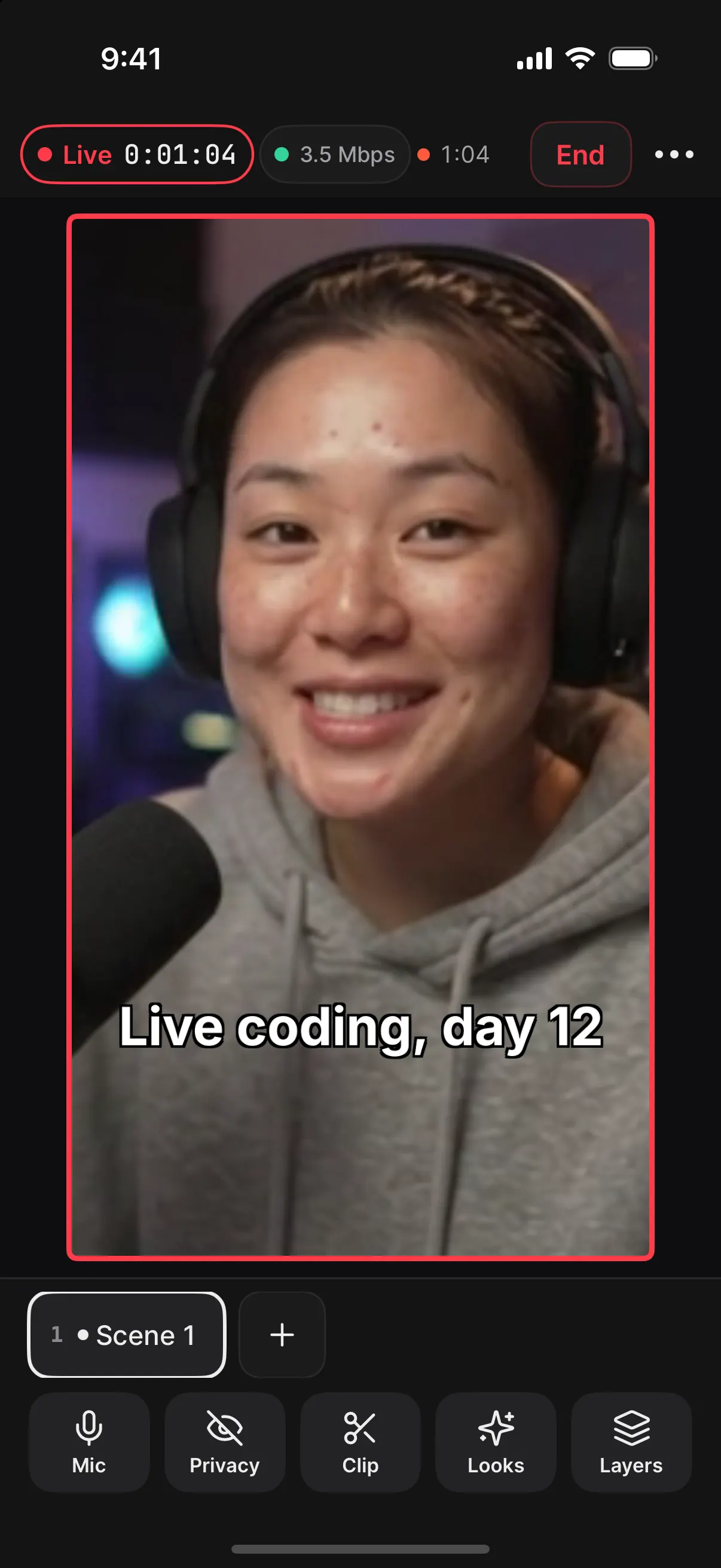
StudioGo live from the phone itself, with your overlays and chat.
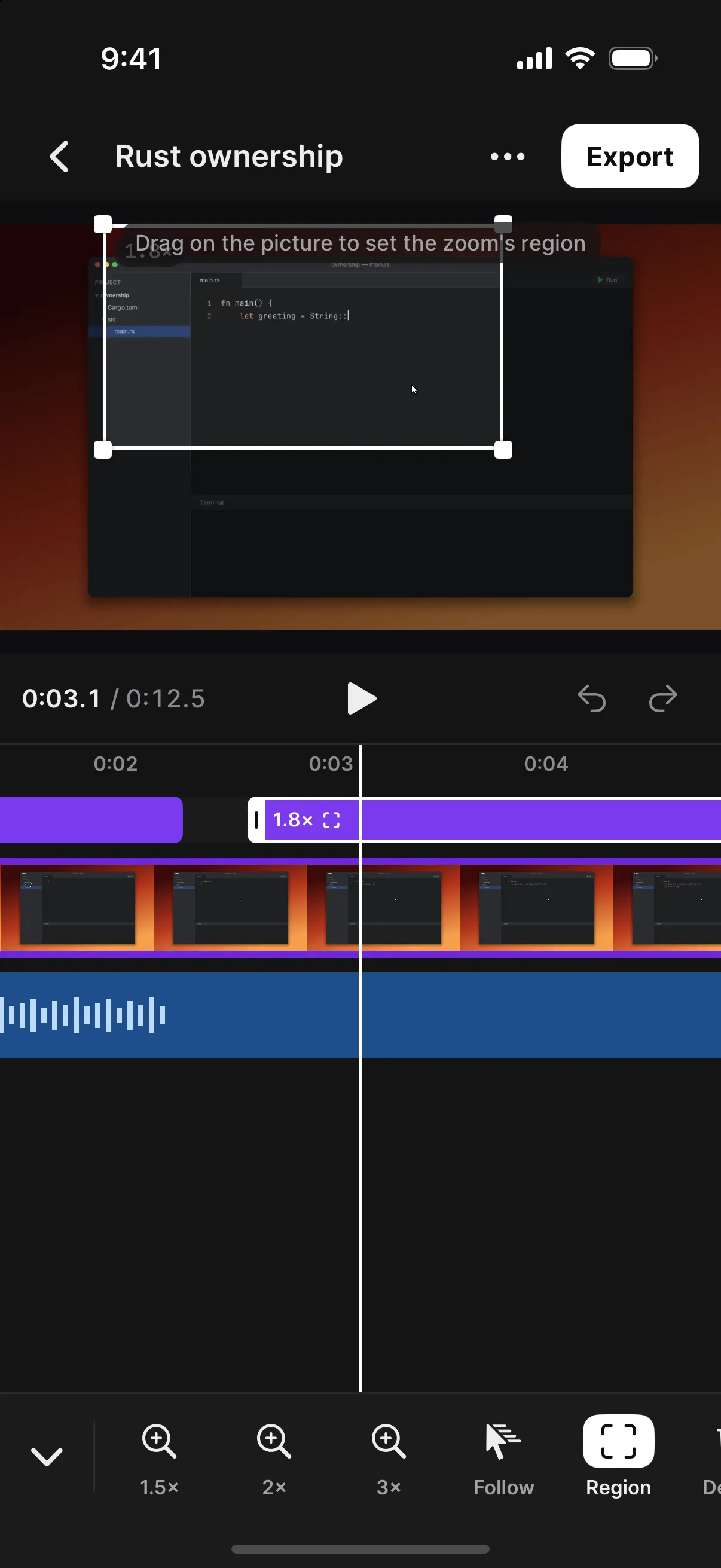
EditorCut stream clips into shorts, with captions.
On air.
The light in the logo is the lamp over a studio door. When you go live it lights up: on the Live badge, around the program, and on the phone you're filming with.
Free, and yours.
Open source under the GPL. No account, and no OBS install needed. It updates itself, never while you're live.