
Lightair for Mac and Windows
Record it, zoom it, edit it.
App demos with zooms that follow your clicks, every screen, camera and mic in a file of its own, a real editor, and a live studio on the engine inside OBS.
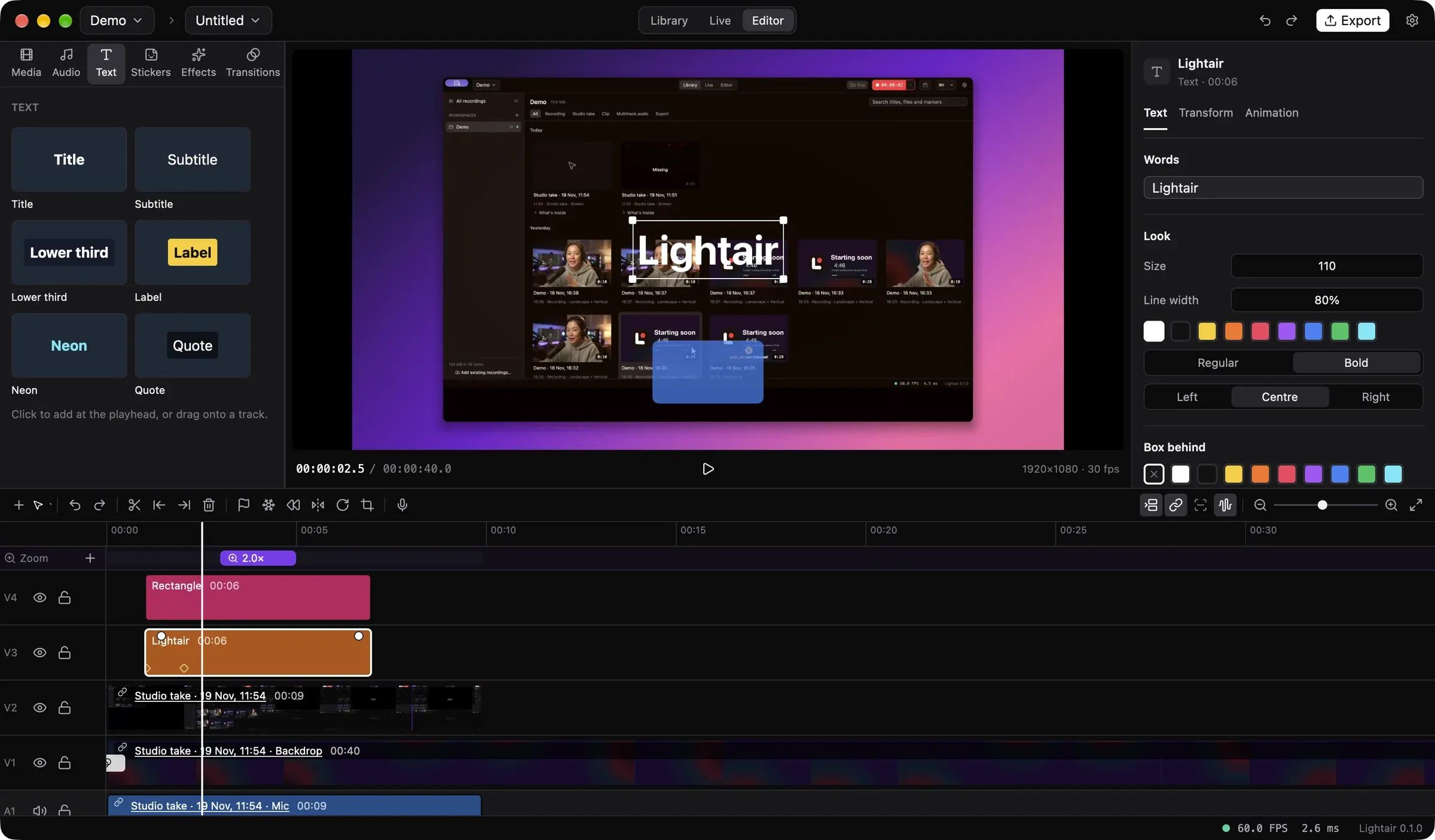
App demos
Zooms that follow your clicks.
A Studio take keeps the pointer, clicks and keys as data. Lightair zooms in where you click, follows you while you type, and redraws the pointer smooth.
Zoom on clicks, always, or on a keyPointer as captured, redrawn or hiddenEach zoom a block you move and aim
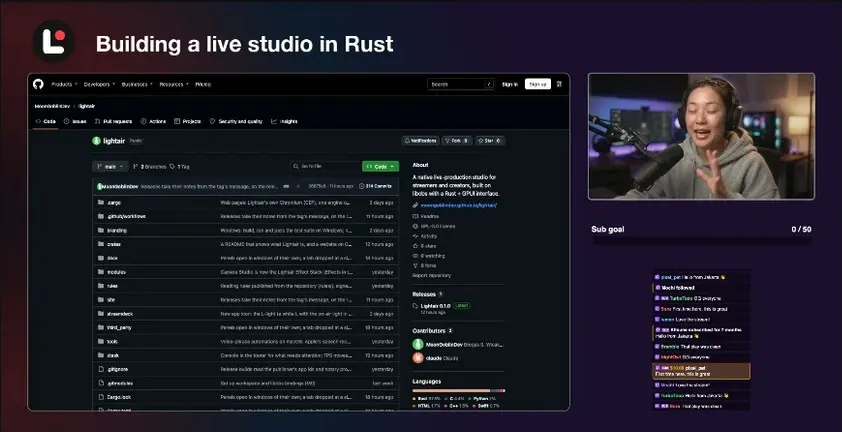
Every part
Record once. Keep every part.
Open a take in the Library to see what's inside: each screen and camera at full size, each mic as its own WAV. Trim or save any part.
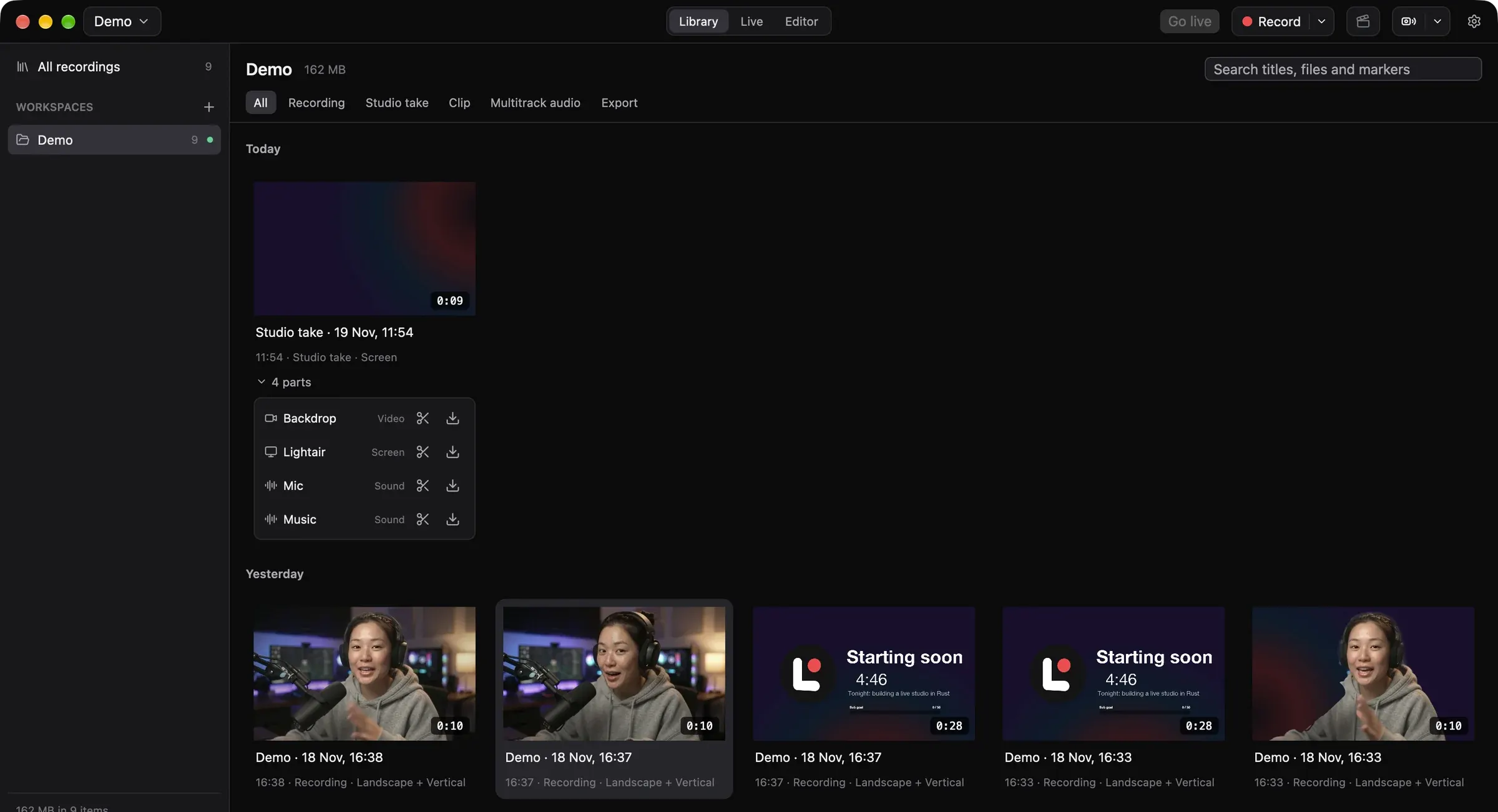
Podcasts
Sound like a studio, look like yourself.
Every mic gets Voice Clarity in one switch. Face-aware camera effects run live. Drag across the picture to compare.
Voice Clarity noise, gate, de-ess, EQ, compressor, limiterDucker music under voicesEffects skin, makeup, light, background
Live
Landscape and vertical, live at once.
One show, two formats, each with its own layout. Record both, stream both.

Multistream RTMP(S) · SRT · RIST · WHIPChat 12 platforms in one listBrings your setup OBS scene collections and plugins
Control
Drive it from anything.
A remote API that also speaks obs-websocket, so OBS tools and decks work. An MCP server for AI agents. A Stream Deck plugin and a command palette.
# one call from a script
lightair call scene.switch '{"scene": "Main"}'

# OBS tools connect as they do to OBS
ws://localhost:4455/
Download
Free, and yours.
Open source under the GPL. Lightair updates itself from Settings › About, never while you're live.
macOS
macOS 14 or later on Apple silicon. Signed and notarized.Lightair-0.1.0.dmg · 260 MB
Download for MacWindows
Windows 10 22H2 or Windows 11, x64. Portable: unzip and run.Lightair-0.1.0-windows-x64.zip · 254 MB
Download for WindowsSource
Rust on GPUI, with libobs as OBS releases it.github.com/Lightair-Project/lightair
Build from sourceNew to Lightair? Get started. Every release is in the changelog.