

Lightair Editor · iPhone, iPad and Android
Edit videos and stream clips.
Cut, caption and finish your videos on a timeline made for your fingers. Takes from Lightair on your computer keep their zooms and look.
Edit
A timeline made for your fingers.
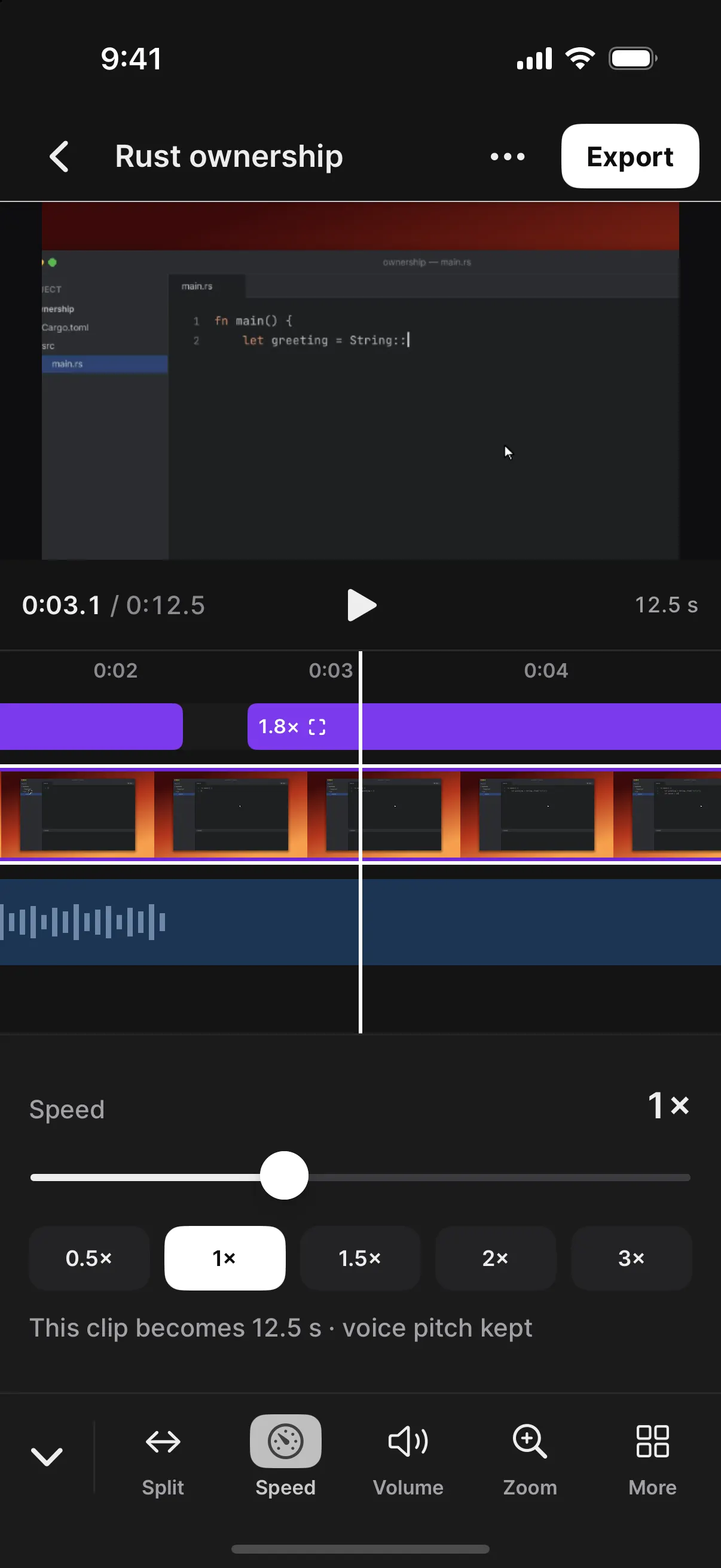
The playhead stays in the middle and the timeline moves under it. Every tool is under your thumb.
- CutSplit, trim, move and duplicate. Edges snap to other clips and the playhead.
- In the previewTap a picture, a title or a sticker to pick it, then size or turn it.
- Minutes or framesPinch the timeline to see either.
- UndoAs far back as you like, kept with the project.
Words
Captions made on your device.
Captions come from your project's speech, on the phone. Nothing is uploaded. Delete words to cut them from the video, and take out fillers and long pauses in one go.
Zooms
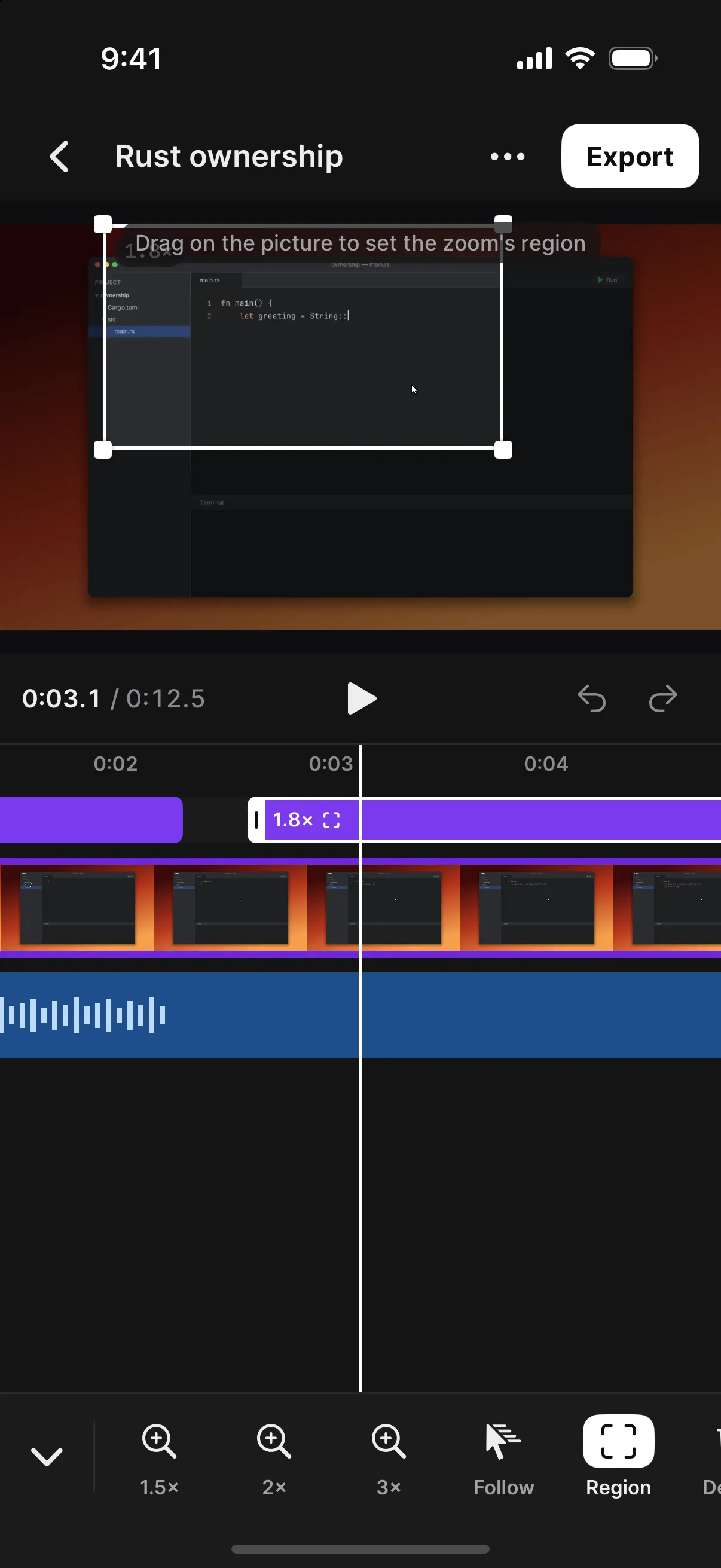
Zoom into any part of the picture.
Draw the area on the preview and the whole picture zooms there, smoothly. On a Lightair take, a zoom can follow the pointer.
Export
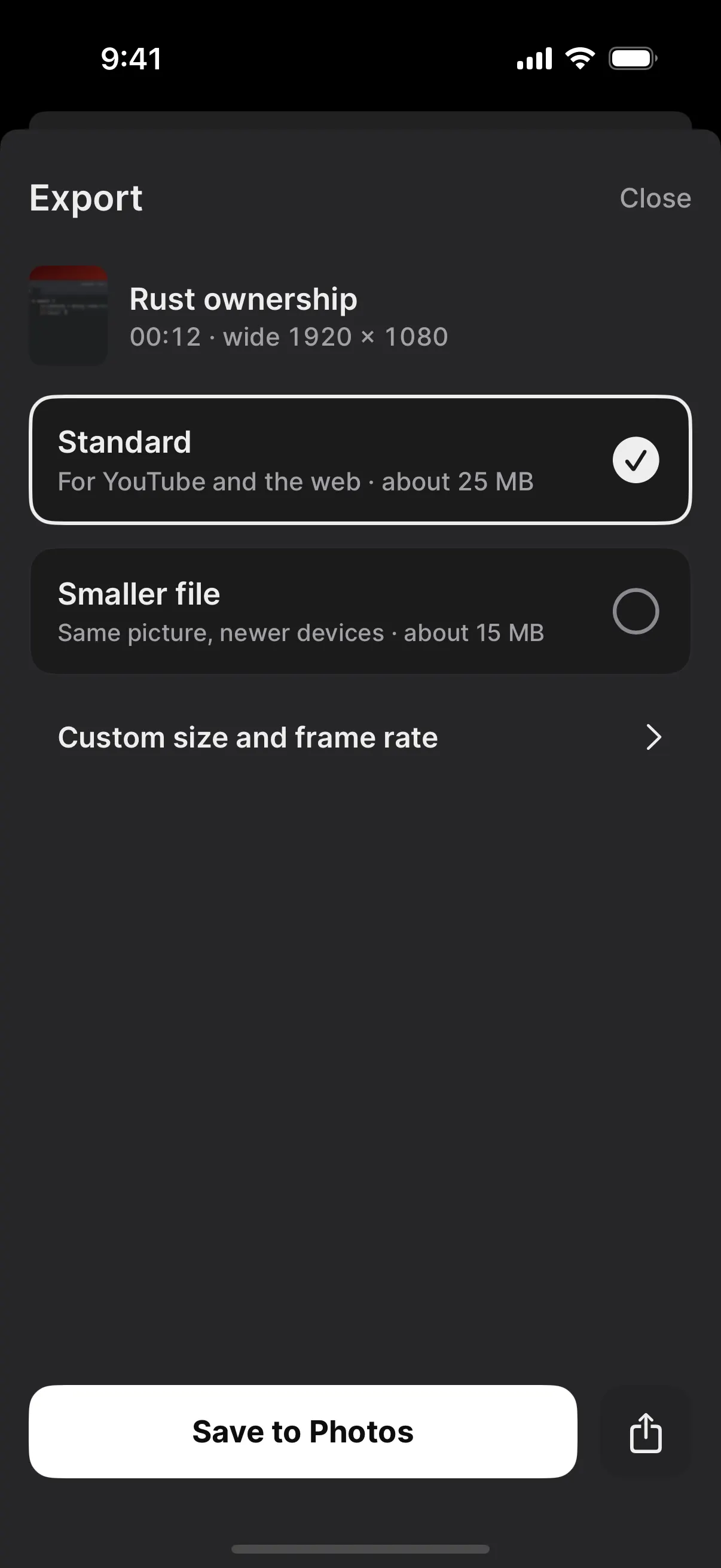
Export in one go.
Standard or a smaller file, with its size before you start. Save to Photos or your gallery, share it, or send it to your computer. Exports keep going in the background.
Shapes 9:16 · 16:9 · 1:1 · 4:5Change it later with guides for what vertical apps cover
Lightair on your computer
Finish desktop takes on the train.
Pair with Lightair for Mac or Windows, bring over takes and projects, and send them back. A take keeps its zooms, its backdrop and its pointer. Phones pair with the desktop release after 0.1.0.
What you need
- iPhone or iPadWith iOS or iPadOS 17 or later.
- AndroidA phone or tablet with Android 10 or later. Captions need Android 14 or later.
- An accountNone. Your projects stay on your device, and the app collects no data. Privacy
Also for phones
 Lightair LiveRun your show from your phone, use it as a camera, or go live from anywhere.
Coming to the App Store and Google Play